Best Free Online Speaker Cleaner Tools for Android & iPhone
When your phone’s audio suddenly becomes muffled, distorted, or unusually low, it can feel worrying, especially when you rely on your device daily for calls, videos, and music. Many users notice these problems after their phone comes into contact with water, dust, or dirt, or simply after long-term usage. Fortunately, repairing your speaker no longer requires opening your device or visiting a technician. Thanks to a wide range of Online Speaker Cleaner Tools, you can remove water, push out dust, and restore clear audio on Android, iPhone, laptops, and other mobile devices quickly and safely.
This comprehensive guide covers everything you need to know about finding the best free online tools, understanding how they work, learning what to use to clean your speakers properly, and discovering effective steps for speaker moisture removal. Whether you’re dealing with water from accidental spills, dust buildup, or ear speaker issues, this premium in-depth article gives you expert-level insight with clear and practical advice.
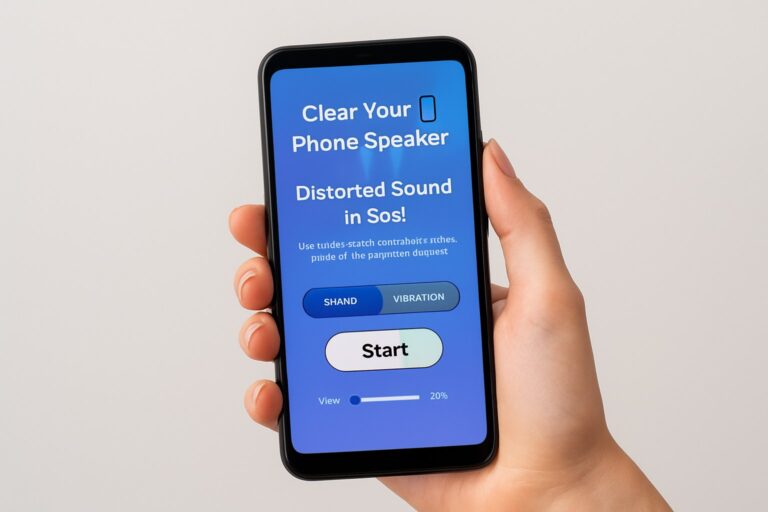
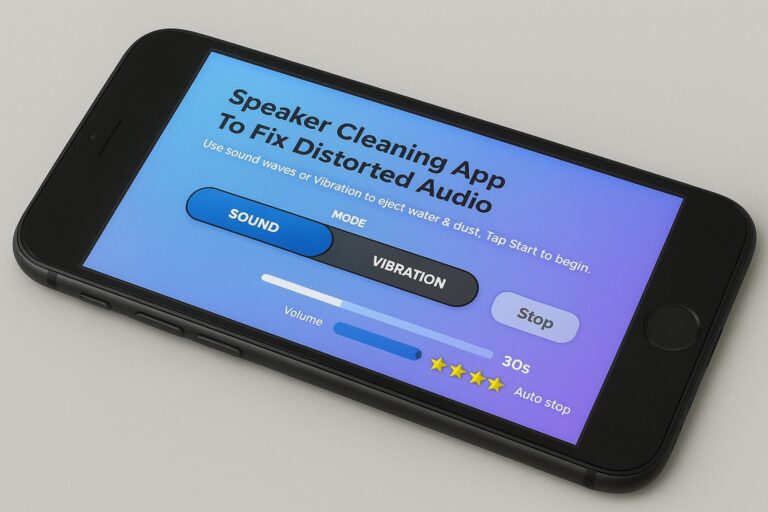
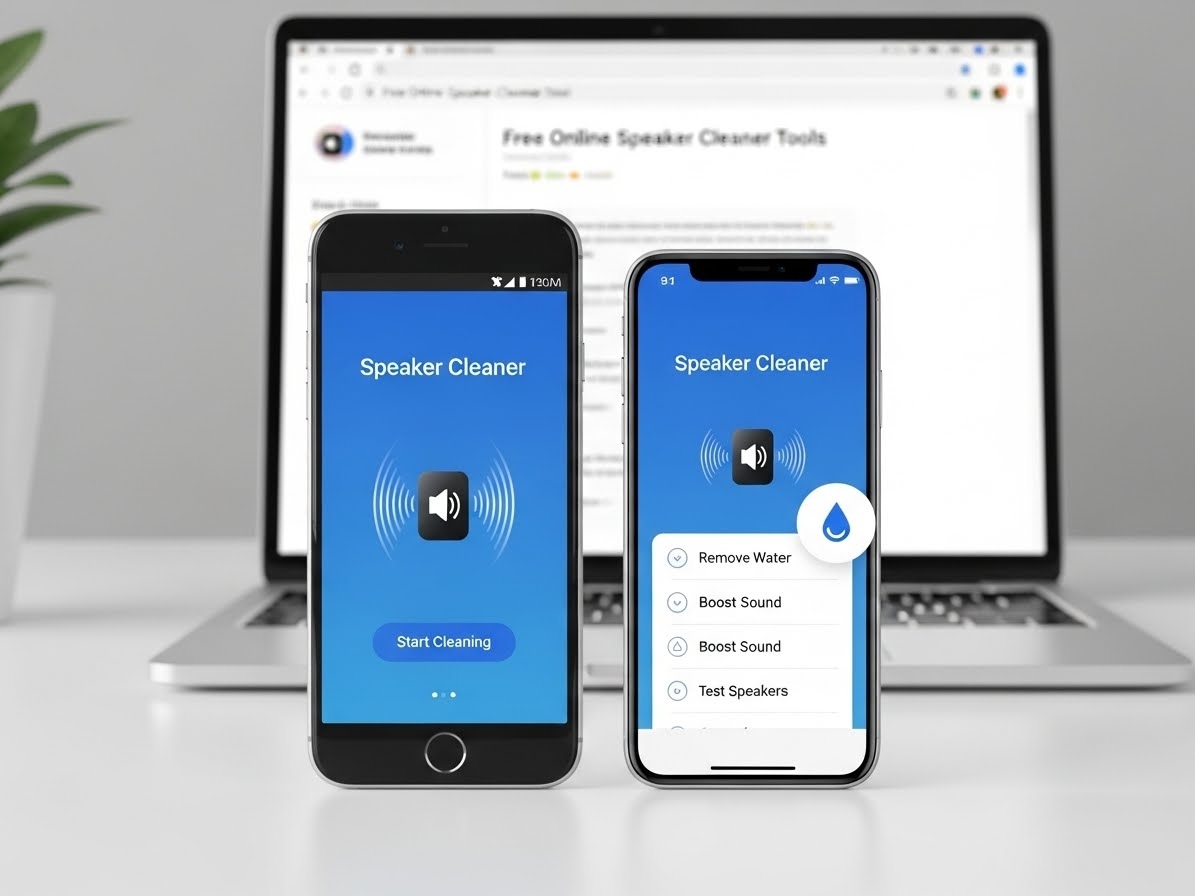
🔊 Speaker Cleaning App to Fix Distorted Audio
Use sound waves or vibration to eject water & dust. Tap Start to begin.
Understanding Online Speaker Cleaner Tools and Why Users Need Them
Most mobile devices, whether Android or iPhone, are exposed to elements every day. Dust in your pocket, moisture in the air, or even accidental splashes can easily find their way into the speaker grill. When water or debris gets trapped inside, sound waves can’t escape properly, which leads to low volume, crackling noises, or distorted audio output. Instead of physically poking the speaker area, which can cause serious damage, users today rely on Online Speaker Cleaner Tools, which use sound frequencies to eject unwanted particles.
These tools are browser-based, meaning you do not need to install anything. With a single tap, they play high-frequency vibrations, burst tones, or oscillating sound waves that push moisture and dust outward. This method is scientifically supported and similar to how many smartwatches eject water using built-in audio pulses. The popularity of such tools has increased because they provide instant results without requiring any technical skills. People simply want quick, safe, and free ways to clean their speakers, and these tools accomplish exactly that.
How Online Speaker Cleaner Tools Work Behind the Scenes
The principle behind an online sound cleaner tool revolves around controlled audio frequency manipulation. When a speaker vibrates at certain frequencies, especially between mid-range and high-frequency bands, it creates enough force to dislodge water droplets, dust particles, and microscopic debris trapped inside the speaker mesh. This process is similar to how ultrasonic cleaners work but adapted for mobile devices.
Different tools use different approaches. Some rely on a continuous sweeping frequency that moves from low to high pitch. Others use intense pulsing frequencies that rapidly vibrate the speaker. A few tools include water ejection tones specifically designed to mimic Apple’s “Water Eject” shortcut. These tones produce a vibration pattern strong enough to push out moisture even from tight speaker chambers.
The speaker on your phone works through diaphragm movement. When the tool generates sound waves, the diaphragm pushes air outward repeatedly. If water is trapped inside, these sound bursts force it to move outward and drip from the speaker grill. Dust removal works similarly because the vibrating air stream lifts and ejects loose particles. The beauty of online speaker dust removers is that they accomplish all of this without physically touching your device.
Why These Tools Work on Android, iPhone, and Other Devices
Mobile speakers in Android phones, iPhones, tablets, and laptops all operate on the same fundamental principle: sound vibrations created by a moving diaphragm. This makes them universally compatible with online cleaning tools. As long as the device can play audio using a browser, the cleaning tool can work.
For iPhone users, the sound ejection method is especially effective because iPhones have tighter speaker chambers that respond strongly to high-frequency tones. For Android users, increased volume output and wider frequency support help these tools operate more efficiently. Even laptops can benefit because many suffer from low audio output caused by dust accumulation near the speaker vents.
Whether your device is high-end or budget-friendly, these tools provide a quick and convenient way to restore sound clarity, making them a popular choice for anyone who experiences audio issues.
When You Should Use an Online Speaker Cleaner Tool
There are several situations where these tools become extremely helpful. If your phone has fallen into water even for a second, you should immediately consider using a speaker water ejection tool because moisture can cause long-term speaker damage. Muffled audio after swimming, bathing, washing dishes, or being in the rain also signals moisture buildup.
Dust buildup is another common issue. Keeping your phone in pockets, bags, or exposed environments allows dirt to accumulate inside the speaker grill. When this happens, the sound becomes softer or unclear, and you may even hear rattling noises.
If you experience low call volume from the ear speaker, especially on older phones, an ear speaker cleaning online tool can help clear the front audio output. Many users also rely on these tools after dropping their phone on sand, soil, or dusty surfaces.
In short, use these tools whenever you notice:
- Low or muffled audio
- Buzzing or crackling sounds
- Distorted sound during calls
- Weak volume despite maximum setting
- Water exposure or humidity-related issues
- Dust buildup inside the speaker grill
These signs indicate blocked sound pathways, and an online cleaning tool can solve the problem within minutes.
Choosing the Best Online Speaker Cleaner Tools (In-Depth Explanation)
Several online tools are available, and while they may seem similar on the surface, they differ in strength, frequency pattern, and cleaning performance. A strong online audio cleaning tool should produce vibration cycles that are powerful enough to move debris while remaining safe for the speaker.
Tools designed specifically for water removal focus on deep-pulsing frequencies. Dust removal tools use broader frequency sweeps to shake loose particles. Some tools offer combined features that help clean both dust and moisture.
A good mobile speaker cleaning tool online should:
- Run directly in your browser
- Produce audible cleaning frequencies
- Be easy to use
- Have clear instructions
- Support Android, iPhone, and laptops
- Provide fast results without downloads
The “best” tool depends on your issue. If your phone is wet, use one that focuses on water ejection tool. If the speaker is dusty, look for frequency sweep tools. For laptops, choose a tool compatible with larger speakers and lower frequency ranges.
How to Clean Your Phone Speaker Properly Using Online Tools
Cleaning your phone speaker with an online tool is simple, but following the proper technique ensures better results. Start by opening a trusted tool in your device’s browser. Make sure your volume is set to maximum, since a lower volume will reduce vibration strength. If your phone is wet, positioning the device face down helps gravity assist the water removal process. If you’re cleaning dust, face-up positioning works better.
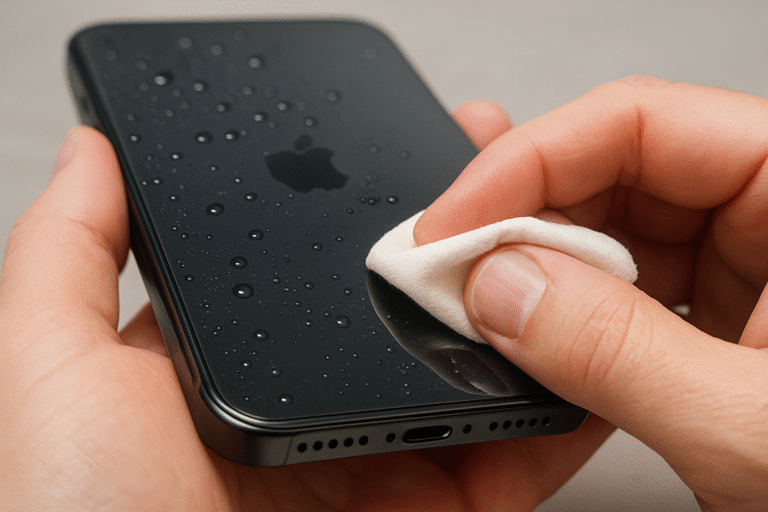
When you run the cleaning tone, allow it to play for 30 to 60 seconds. During this time, you may see water droplets emerging from the speaker grill if moisture is present. If dust is the problem, the sound may gradually become clearer. After the cycle ends, gently wipe the speaker area with a dry microfiber cloth.
You may need to repeat the process several times for heavy moisture or tough dust buildup. Avoid using paper towels or blowing air directly into the speaker, because this can push debris deeper inside. Never insert sharp objects into the speaker openings.
What to Use to Clean Your Speaker (Safe Cleaning Practices)
Many users wonder what to use to clean their phone speaker safely. The truth is that the safest cleaning method combines a soft cloth, light brushing, and sound-based online tools. A microfiber cloth helps remove surface dust around the speaker grill. A soft-bristle brush can gently sweep debris from the outer mesh.
What you should avoid are hard materials like needles, sharp tools, or metal objects. These can damage the protective mesh or puncture the speaker diaphragm. You should also avoid sucking or blowing air with your mouth because moisture from your breath can worsen the problem.
Compressed air can be helpful only when used indirectly and gently at a distance. High-pressure air can push dust further inside or damage internal components.
Cleaning iPhone Speakers Using Online Tools
iPhones are known for their excellent sound systems, but even they are not immune to moisture or dust. When an iPhone speaker becomes muffled, the issue is often moisture sealed inside its narrow chambers. Online tools work extremely well for iPhones because their speakers respond strongly to controlled tone vibrations.
Using an online speaker fix tool through Safari gives the best compatibility. Many users also combine the browser-based method with Apple’s built-in Water Eject shortcut, which uses a specially tuned frequency to eject water. If your iPhone’s ear speaker is affected, lowering the volume slightly helps prevent distortion during cleaning.
Cleaning Android Phone Speakers Using Online Tools
Android devices come in a wide variety of models and speaker designs, but online tools work on nearly all of them. Many Android phones offer high maximum volume output, which enhances the performance of speaker moisture removal online tools. Using Chrome as your browser provides better sound output and frequency processing.
If your Android phone was exposed to water, the cleaning tones usually push out droplets quickly. For dust-related muffling, long sweeping tones are more effective. You can repeat cycles without damaging your phone because the sound-based method is safe and non-invasive.
Using Online Tools to Clean Laptop Speakers
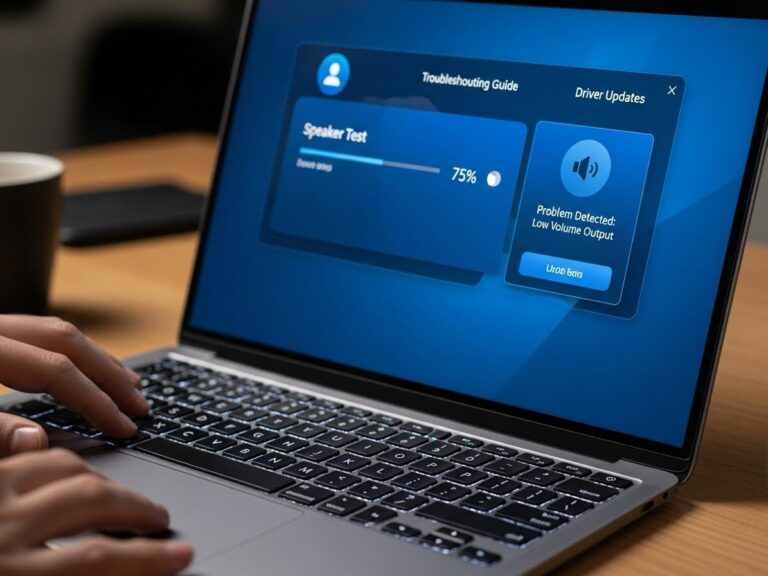
While most people associate speaker-cleaning tools with mobile devices, laptops can benefit from them as well. A laptop speaker cleaner online tool is especially useful for users who experience muffled sound due to dust accumulation around the speaker vents or inside the chassis. Because laptop speakers are larger, they respond best to sweeping frequencies in the mid-range and lower high-range levels.
If your laptop audio becomes distorted or echo-like, these tools can help dislodge loose particles. However, laptops also trap dust deeper inside, so the improvement may vary depending on how severe the blockage is.
Pros and Cons of Using Online Speaker Cleaning Tools
Although these tools are extremely helpful, understanding their strengths and limitations helps you make better decisions. The greatest advantage is that they eliminate the need for physical cleaning or professional repair. They are free, easy to access, and require no installation. They work universally on Android, iPhone, and laptops, making them a versatile solution for moisture and dust issues.
The primary limitation is that they cannot repair physical damage. If your speaker is broken, torn, or burnt out, no sound-based tool can fix it. These tools also may not be fully effective if the grill is heavily clogged with compacted dust. In such cases, professional cleaning may be necessary.
Expert Tips to Improve Speaker Cleaning Results
Experts recommend using the tool immediately after water contact to prevent deeper moisture absorption. Removing your phone case increases airflow and allows water to escape more easily. If your device is severely wet, letting it sit in a dry environment after using the tool improves results.
Avoid charging your device until all moisture is removed because water can cause short circuits. Running multiple cleaning cycles increases effectiveness, especially in older phones where dust buildup is more significant.
Conclusion:
The rise of Online Speaker Cleaner Tools has changed how users maintain their mobile devices. Instead of relying on risky physical cleaning methods or costly repairs, you can now remove water, push out dust, and restore sound clarity with simple audio-based tools that run directly in your browser. These tools combine convenience, speed, and safety, making them a preferred method for millions of users worldwide.
Whether you’re facing muffled sound after water exposure, low audio from dust buildup, or distorted output during calls, online tools provide an effective and accessible solution. Android users, iPhone owners, and laptop users alike can benefit from these frequency-based cleaning systems that help restore speaker performance without technical skills or risks.
FAQs
Do online speaker cleaner tools really work?
Yes, they work effectively by using sound vibrations to push out water and dust.
Can they fix a physically damaged speaker?
No. They only remove moisture or debris, but cannot repair hardware damage.
Is it safe for iPhones and Android devices?
Yes, the method is non-invasive and widely used.
How long should I run the cleaning sound?
A recommended time of 30–60 seconds per cycle.
Can I clean my ear speaker using these tools?
Yes, but lower the volume slightly to avoid distortion.