How the Speaker Dust Cleaner App Works on Mobile Devices
Introduction:
A speaker dust cleaner app works by playing specially tuned sound frequencies through your phone’s speakers, creating vibrations and air pressure that act as a remover to push out dust, dirt, or trapped water from the speaker grills; it’s safe, quick, requires no physical tools, and is available for free download on both Android and iPhone devices to restore clear sound for calls and music.
What Causes Dust and Blockage in Phone Speakers?
Mobile speakers are delicate parts of the device, and because they are exposed, they easily collect particles from the environment. Keeping your phone in your pocket or bag means it will slowly gather dust fibers. Taking calls while working out can cause sweat and moisture to enter the speaker holes. Even in everyday use, oil from your hands or exposure to kitchen steam can block the sound. These small things add up, and eventually, your phone struggles to produce clear audio. That’s why even the best smartphones often sound distorted if they are not cleaned regularly.
The Role of Speaker Dust Cleaner Apps
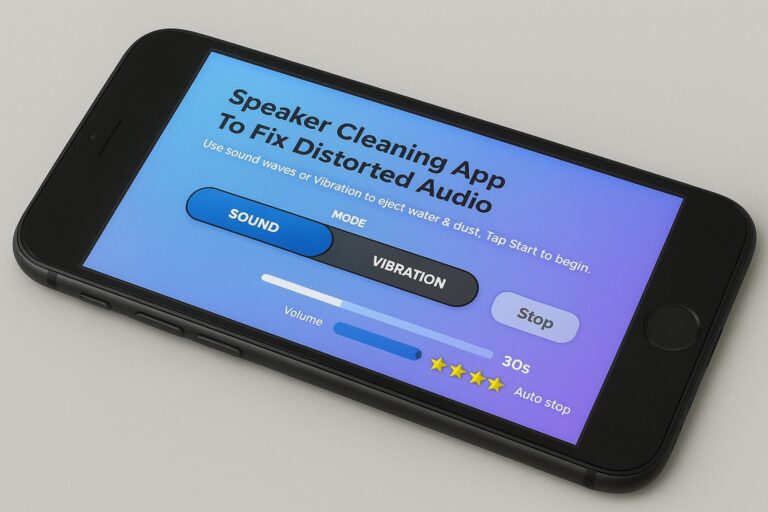
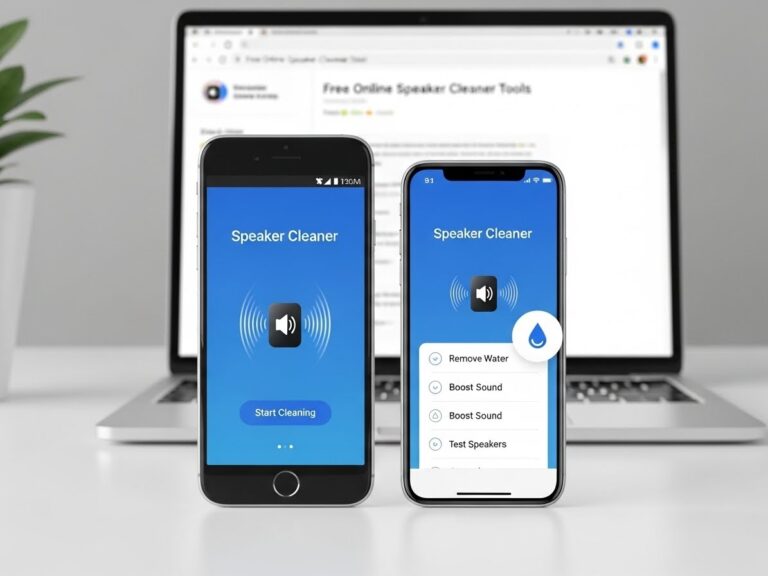
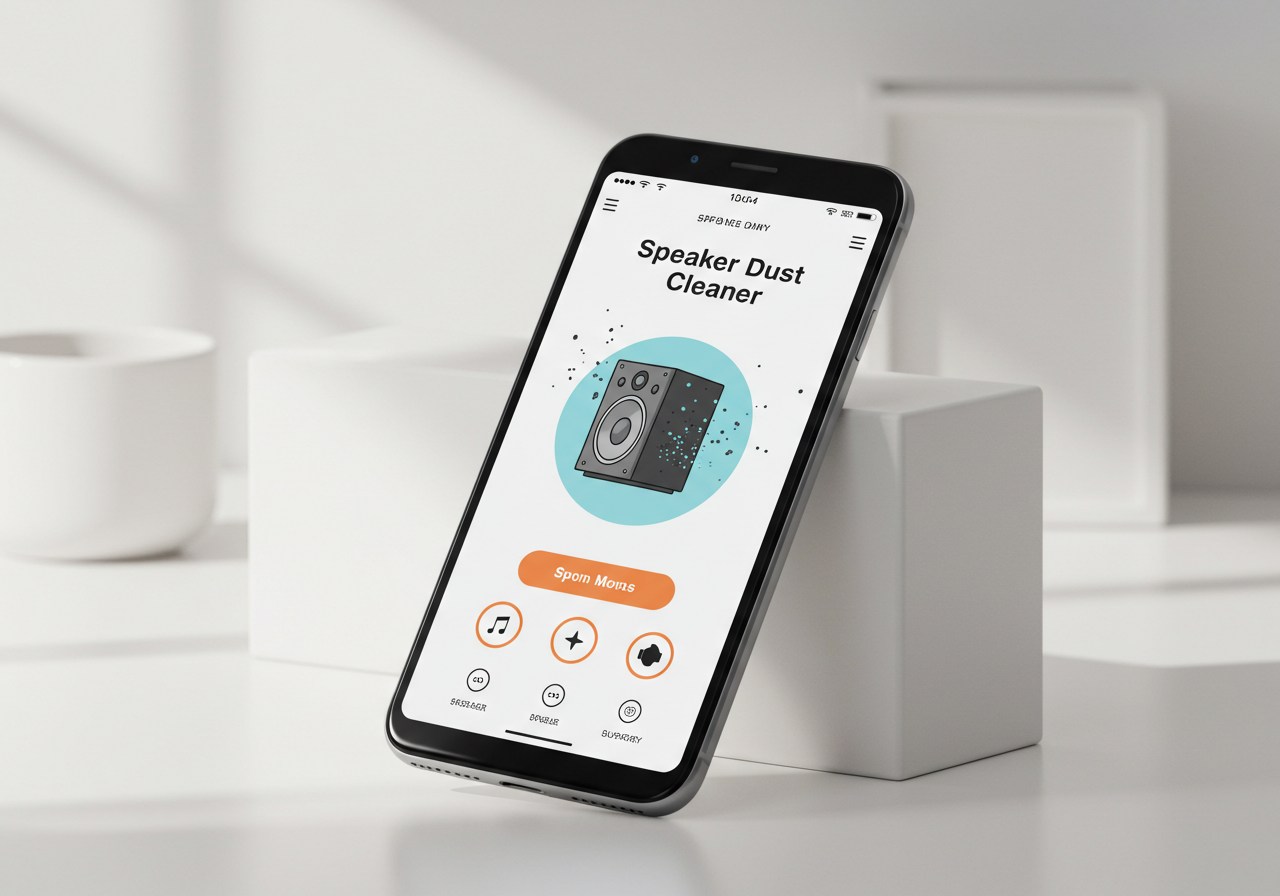
Instead of opening your phone or trying risky tricks, you can now rely on a cleaner app designed specifically for speaker maintenance. These apps use carefully tuned sound frequencies to vibrate the speaker diaphragm. The movement creates tiny bursts of air pressure that push dust or water droplets out of the grills. In short, the app turns your own phone into a cleaning tool. Many of these tools are available as free speaker cleaner apps, and you can easily download them on both Android and for iPhone devices. This approach is safe, fast, and doesn’t require any extra equipment.
How the App Uses Sound Waves to Push Out Dust
The working principle is based on sound science. When the app is activated, it plays frequencies that are usually higher than those used during music or normal calls. These high-pitched waves are powerful enough to shake loose any dirt particles or water blocking the tiny holes. It’s similar to how vibrations can move dust from a surface, but here the vibrations come directly from the speaker itself. Some apps even allow users to adjust the frequency levels. This means you can switch between settings for dust removal and water removal, making it a versatile cleaning method for your mobile.
Step-by-Step Guide to Using a Speaker Cleaner App
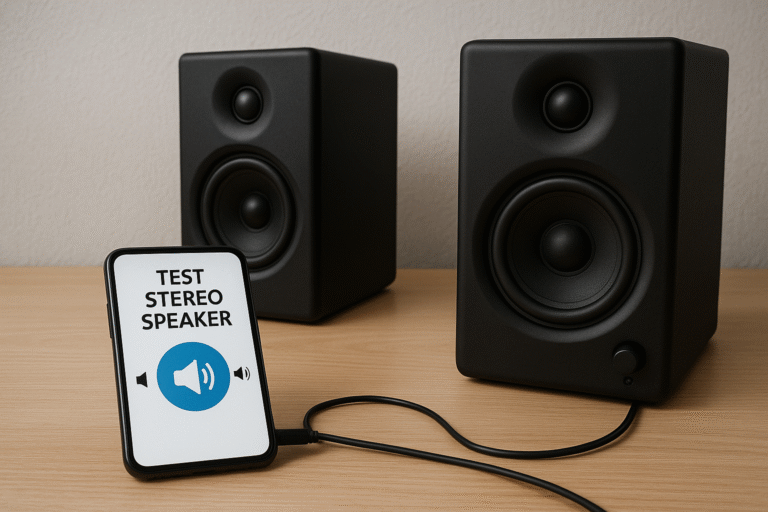
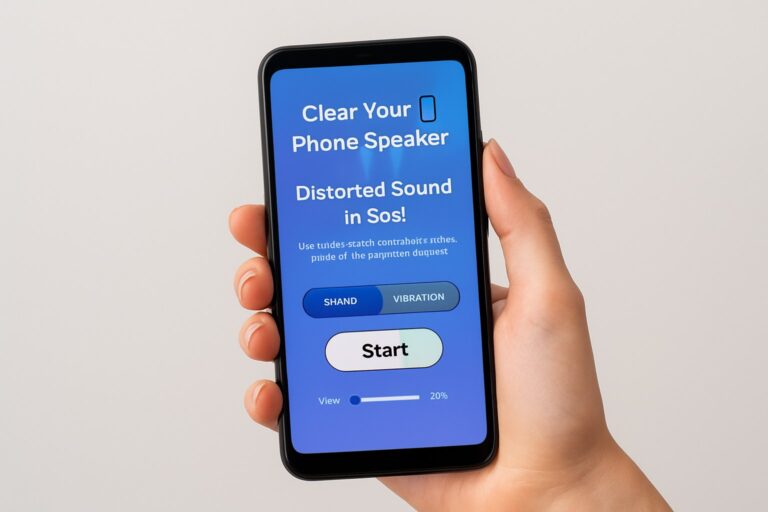
While the process may sound technical, using these apps is actually very easy. First, you need to download the app from a trusted source such as Google Play on Android or the App Store for iPhone. Once installed, open the app and check for the cleaning modes it offers. Most apps have a “Dust Remover” and a “Water Remover” option. After selecting the mode, place your phone on a flat surface and tap the start button. The app will play sound waves for anywhere between 30 seconds and two minutes. Once the cleaning finishes, test your speakers by playing music or making a call. If the sound hasn’t fully improved, you can repeat the process.
Safety Tips Before Running the Cleaning Process
Although the method is safe, a few precautions will ensure you get the best results without harming your phone. Never hold the phone close to your ear while the sound is playing, as the high frequencies may be uncomfortable. Disconnect any headphones or Bluetooth devices before starting the process. Keep your mobile on a flat, open surface where the sound can travel freely. Also, avoid running the app repeatedly for too long in one go—two or three rounds are usually enough. Most importantly, always use a free speaker cleaner from official app stores, since unofficial files can be risky for your device.
Common Issues the App Can Fix
A speaker dust cleaner app does more than just handle dust. One of its biggest advantages is helping when water gets inside the speakers. For example, if your phone gets splashed while cooking or is lightly wet in the rain, running the water remover mode can quickly push out the moisture. It also solves the problem of muffled audio during music or calls by clearing tiny obstructions. Many users notice a clear improvement in sound quality after just one round of cleaning. The app is also effective for fixing weak audio, ensuring your phone delivers strong and crisp sound again.
Benefits of Using a Speaker Cleaner App Over Manual Cleaning
Many people try to use brushes, needles, or even their breath to clean the speaker grills, but these methods are not always safe. Inserting objects can damage the delicate mesh or push dirt even deeper. Blowing air by mouth introduces moisture, which can make things worse. By comparison, a cleaner app is safe and requires no physical contact with the device. It works quickly, usually in under two minutes. Since most of them are available for free download, they are cost-effective as well. On top of that, the apps are portable, meaning you don’t need to carry any extra tools—your phone cleans itself.
How Often Should You Use the App?
The frequency depends on your lifestyle and environment. If you spend a lot of time outdoors or in dusty places, it’s a good idea to run the app once a week. For average users, once or twice a month is enough to maintain good sound quality. If your phone ever gets exposed to water, using the water remover immediately is recommended. Regular use ensures your mobile keeps delivering the best possible audio for both entertainment and calls.
Compatible Devices and Platforms
Whether you are using an Android or an iPhone, there are many apps available for cleaning speakers. Google Play offers a wide variety of free speaker cleaner options, some with advanced settings, while Apple’s App Store provides reliable alternatives for iPhone users. Since the apps rely on the speaker’s ability to produce sound waves, they work on almost all modern mobile devices. This makes them universally useful, no matter which brand of phone you own.
Limitations of Speaker Cleaner Apps
If your speaker is physically damaged or has deep dirt lodged inside, the app may not fully solve the problem. It cannot replace professional repair services for broken parts. Another limitation is that some fake apps claim to work but provide no real benefit. That’s why it’s essential to choose trusted tools from official sources. Finally, while the apps are useful, they should not be overused. Using them too often or at very high volume may put stress on the speaker.
Alternatives to Apps: Other Safe Cleaning Methods
When apps don’t provide complete results, you can try a few safe manual methods. A can of compressed air can blow out stubborn particles without physical contact. A soft, dry brush with gentle strokes can remove visible dust from the speaker mesh. In extreme cases where the speaker still doesn’t sound right, visiting a service center is the safest option. What you should never do is use liquids or sharp tools, as these can cause permanent damage. Think of the app as the best first solution, and manual cleaning as a backup.
Final Thoughts
Your mobile phone is more than just a communication device; it’s your music player, video screen, and daily assistant. To enjoy all of these functions, keeping the speakers clean is essential. A speaker dust cleaner app works as an easy and safe remover for dust and water, improving sound quality within minutes. With so many free speaker cleaner tools available for Android and for iPhone, anyone can maintain their phone’s performance without spending extra money. Instead of risking damage with sharp objects or risky tricks, simply download a trusted cleaner app and let it do the job. With regular use, you’ll ensure your phone continues to deliver clear sound for calls, music, and entertainment.