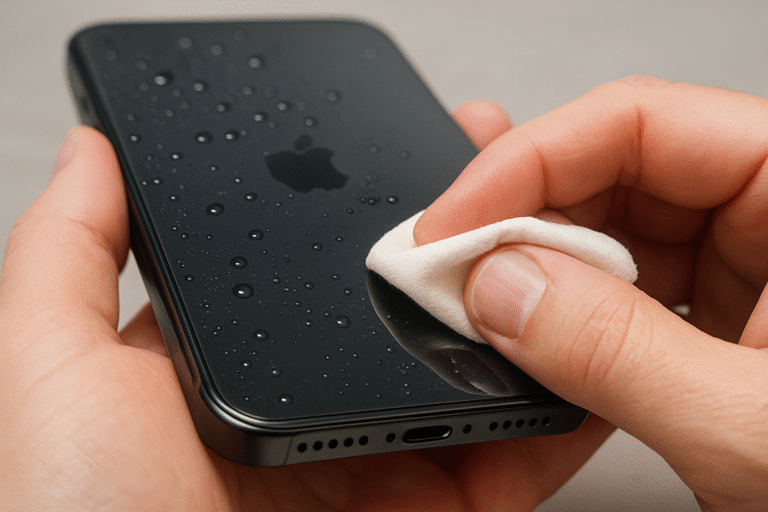
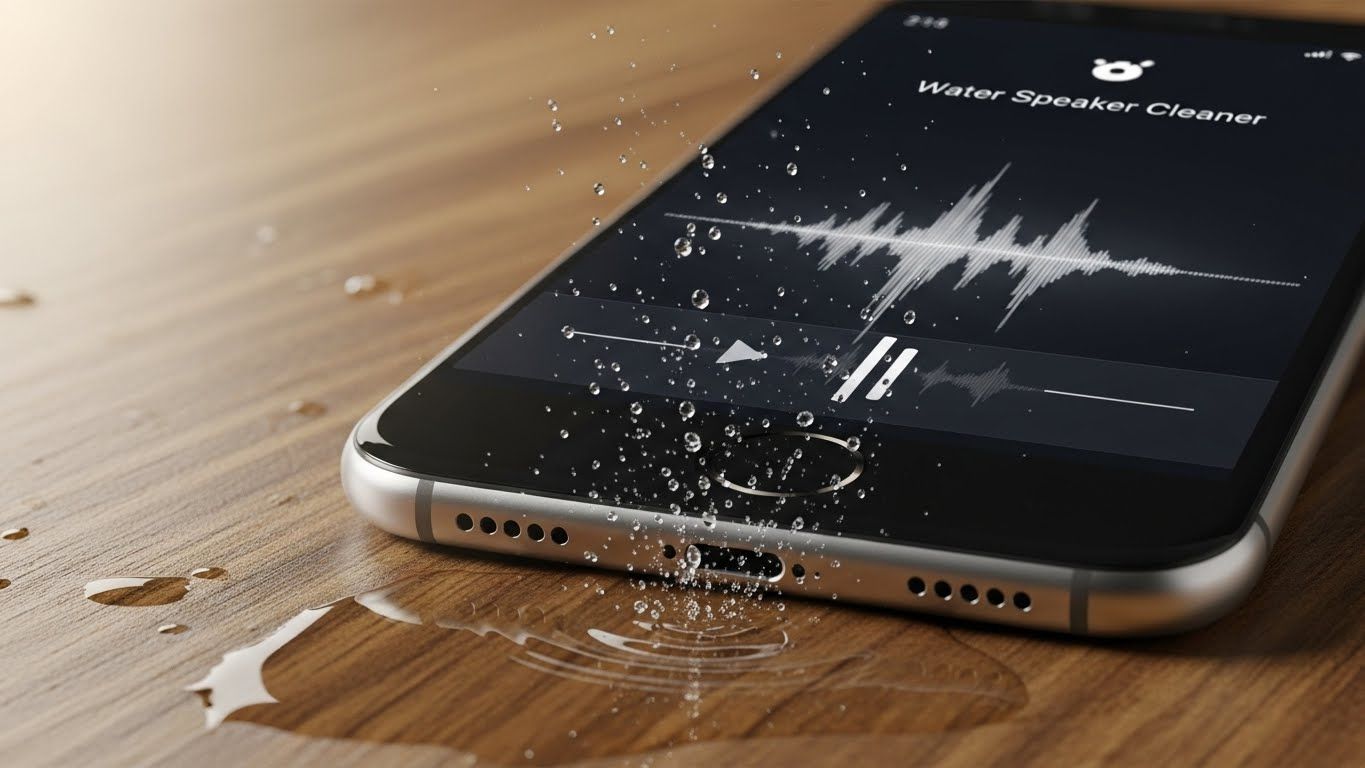
Water Speaker Cleaner with Heavy Sound – Restore Your Speaker’s Clarity Fast
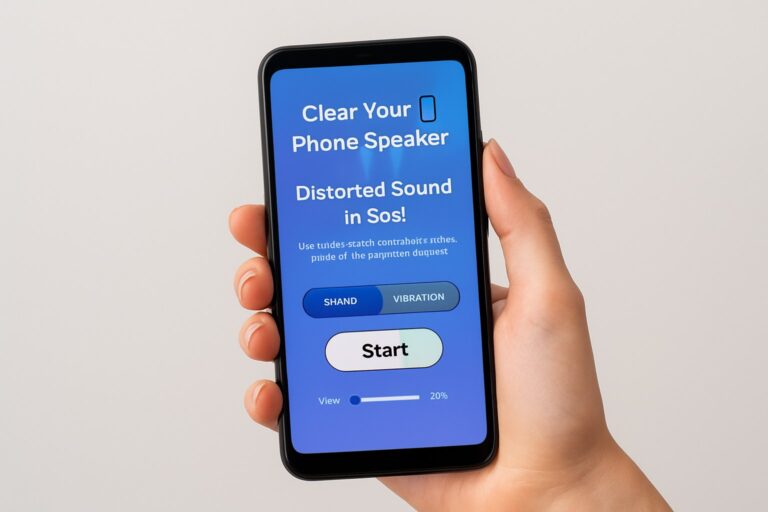
Accidentally got water in your phone speaker and now everything sounds muffled? Don’t panic, there’s a fast, safe, and surprisingly effective solution. A Water Speaker Cleaner with Heavy Sound uses specially designed sound frequencies and vibrations to eject water from your speaker without opening your device or risking damage. Whether it’s from rain, a spill, or moisture trapped with dust, this method restores crystal-clear sound in minutes, making it a must-have tool for every smartphone user.
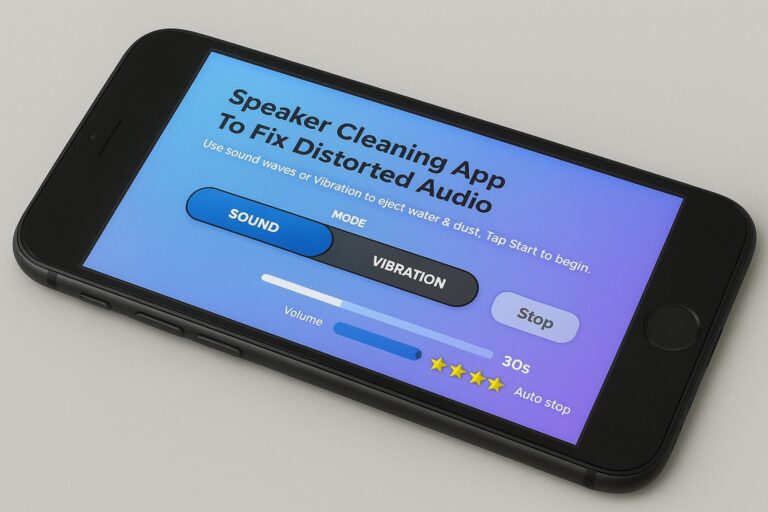
🔊 Speaker Cleaning App to Fix Distorted Audio
Use sound waves or vibration to eject water & dust. Tap Start to begin.
What Is a Water Speaker Cleaner and How Does It Work?
A Water Speaker Cleaner is typically an app, online tool, or shortcut designed to remove water from your device’s speaker. It works by emitting heavy sound frequencies and vibrations that push trapped water out of the speaker mesh. This technique is similar to Apple Watch’s water eject feature but is now widely available for smartphones through voice-based sound modes, sound apps, and vibration water removal technology.
The science is simple: water reacts to vibration. When your phone emits a precise heavy sound, it creates rapid pressure changes inside the speaker chamber. These vibrations loosen water droplets and force them out safely without damaging the speaker. This is a preferred method over opening the device, which can void warranties or cause further damage.
Why Heavy Sound Is Effective
Heavy sound frequencies, usually between 100Hz and 300Hz, are ideal for ejecting water from speakers. Low-frequency bass tones are particularly effective because they generate strong vibration. When paired with device positioning speaker facing downward gravity works alongside sound to push moisture out. Using these methods is safer than conventional DIY hacks like rice, which often fail to reach the speaker mesh and can introduce dust or particles.
Proven Methods to Remove Water from Phone Speakers
When your speaker is wet, you have several options to restore clarity. Using a water speaker cleaning tool or sound-based water removal method is the fastest and most reliable.
Most users start with a Water Speaker Cleaner app, available on iPhone and Android. These apps often feature multiple modes, from heavy sound to jet-like remover tones, to force water out while keeping your device safe. Simply run the app with your speaker facing downward, and let the vibration water removal process work for a few minutes.
For iPhone users, the Water Eject Shortcut is a convenient solution. Installed through the Shortcuts app, it plays a sound frequency designed to push water out of the speaker. The device even vibrates in sync with the sound, making it highly effective. For those who prefer a web-based solution, online water eject tools are available, offering heavy sound or jet tones without the need to install an app.
Fixing a Muffled Speaker After Water Exposure
Even after using a Water Speaker Cleaner, your speaker may still sound muffled. This is often due to residual moisture or dust particles trapped inside. Experts recommend a few steps to ensure complete recovery.
First, try running the sound cleaning method again. Some water may still be trapped, and repeated exposure to heavy sound and vibration ensures full removal. Next, inspect the speaker grille for dust. Accumulated dust can mix with water, forming a mini block that distorts sound. Using a soft brush or dust-cleaning tool from an app can help.
It’s also helpful to test multiple frequencies. Certain devices respond better to lower or higher sound tones, and switching modes in your water removal speaker app can make a difference. After using these methods, restarting your phone can help reset audio drivers and restore normal sound. Finally, keeping your device speaker facing downward while running the sound-based cleaning method utilizes gravity to your advantage.
Signs Your Speaker Has Water Inside
Identifying water damage early can save your device. Common indicators include:
- Low or muffled sound output
- Distorted voice during calls
- Weak bass or echoing noises
- Crackling or rattling sounds
- Wet or shiny speaker grill
- Reduced vibration feedback
If you notice any of these, it’s time to use a Water Speaker Cleaner immediately to prevent permanent damage.
Tips to Prevent Water Damage in the Future
Preventing water intrusion is always better than fixing it. To protect your speaker:
- Avoid using your phone in heavy rain
- Regularly clean the speaker to remove dust
- Keep water eject shortcuts or apps handy
- Use a waterproof case
- Avoid charging your device while it’s wet
Conclusion:
A Water Speaker Cleaner with Heavy Sound is a fast, safe, and effective way to eject water from speakers, fix muffled sound, and restore your phone’s audio quality. Whether you use a sound-based app, iPhone shortcut, or online tool, heavy frequencies and vibration technology work together to safely remove water and prevent long-term damage.
FAQs
Is sound-based water removal safe for my speaker?
Yes. Heavy sound frequencies and vibration water removal are completely safe when used as directed.
Do these methods work on both iPhone and Android?
Absolutely. Apps and online tools are compatible with most devices, including Android speaker water cleaner and iPhone speaker water fix options.
How long does it take to clear water from a speaker?
Usually 1–3 minutes with heavy sound or vibration cleaning.
What if my speaker still sounds muffled after cleaning?
Try repeating the process with a different frequency, ensure dust is cleared, and keep the device facing downward.
Are online water eject tools effective?
Yes, especially for emergency fixes when apps or shortcuts aren’t available.